
Access
Click the link for Current assignment from the User Menu to manage Customer and Supplier Assignments.
Usage
On the Change Assignment page, depending on the User settings and permissions, it is possible:
- to switch to supplier assignment
- to switch to customer assignment
- to deselect any assignment and use the application without supplier or customer assignment
The list of available suppliers/customers for the assignment is predefined for a particular user in User Editor in PROV.
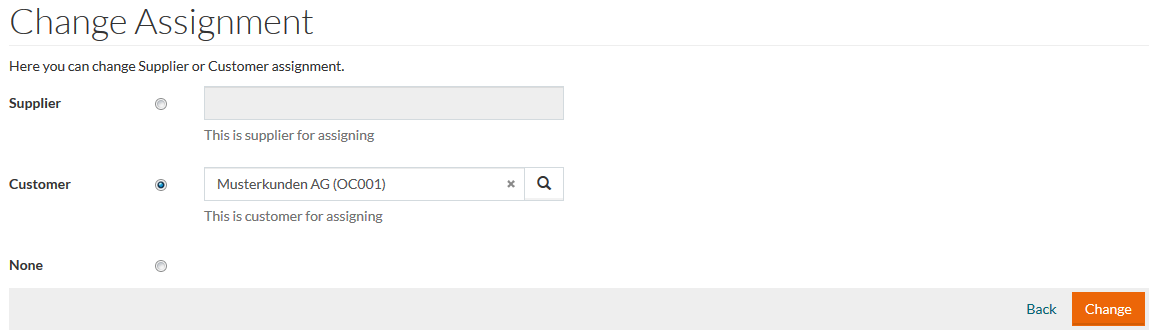
Select the relevant check box.
Select a supplier or customer, as may be need, using the search icon or by entering the customer or supplier ID into the relevant field. Click the Change button. In case the changes should not be implemented, click the Back link.