
Access
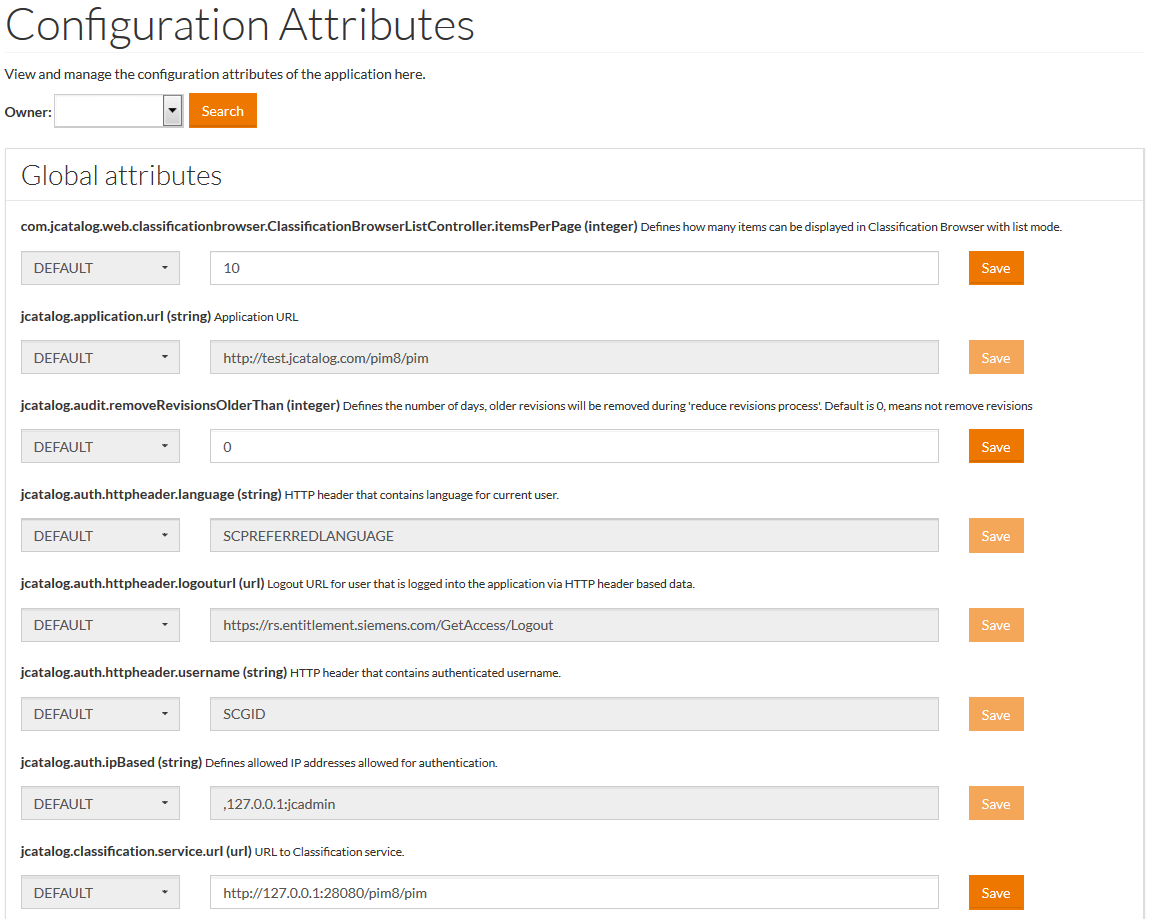
To view and manage the configuration attributes of the application, select System Administration from the user menu and then Configuration Attributes (under the System Administration section).
Configuration attributes of the application are used to enable/disable parts of the application functionality, set options, switch application modes, etc. Select
Owner from the drop-down menu.
Owner can be User, Supplier, Customer. After the selection click the
Search button to initiate the search. For example, the default value of the maximal number of Products (Results per page) to be displayed on the search result page is
"10". If you change the value, the number of products on the search result page will be changed too. It is possible to add a custom validation for the configuration attribute value into the relevant configuration attribute's groovy file. Use the
Select
USER,
CUSTOMER or
SUPPLIER from the drop-down menu and based on the selection, use the search icon to search, select and identify the specific User, Customer or Supplier when the respective browser windows open. Click
Save to save.Overview
How to add/update Configuration Attribute Values
 symbol to add user specific data and define maximal number of Products.