
Access
To open the Contract Attribute page, select Master Data from the main menu and then Contract Attributes Assignment (in the Classification section).
Overview
Contract Attribute Assignment editor can be used to assign additional Attributes to Contracts.Values for the assigned Attributes can be set on the Attribute Values Tab of the Contracts editor.
Usage
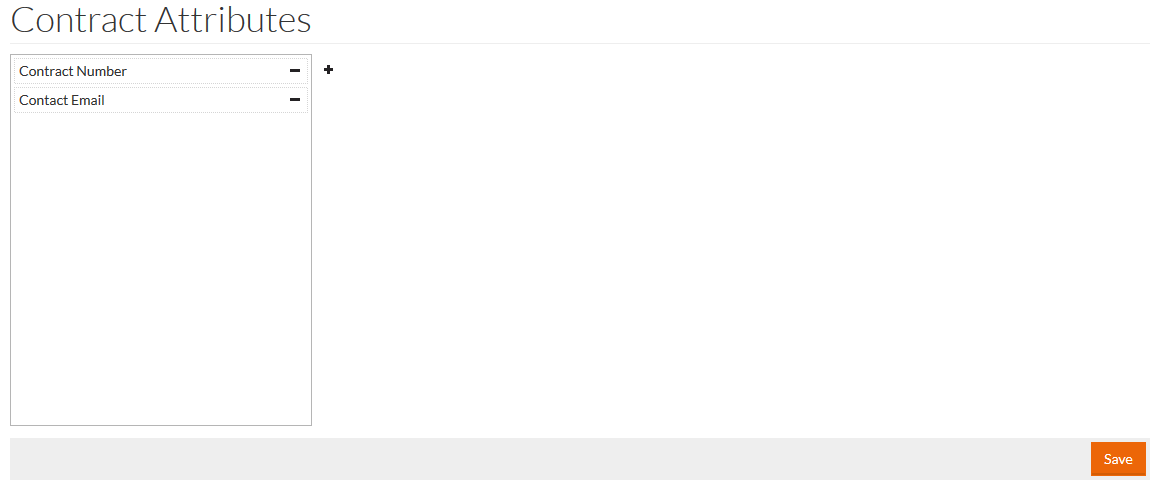
Click
 to select and assign new Attribute to Contracts. Attributes search page will open.
Select the required Attributes check box and click the Select button to add the selected Attributes to the list of assignments.
Click
 to remove Attribute to Contracts Assignment.
Click Save to confirm corrections.