Access
Select System Administration from the user menu and then Demo Data (in the Database section) to gain access to the demo data population tool.
Functionality
The Demo Data tool allows populating the applications with demo data by specifying an absolute URL to the demo data files or by selecting the files from your PC.
A base URL to the demo data population service is defined in configuration attribute.
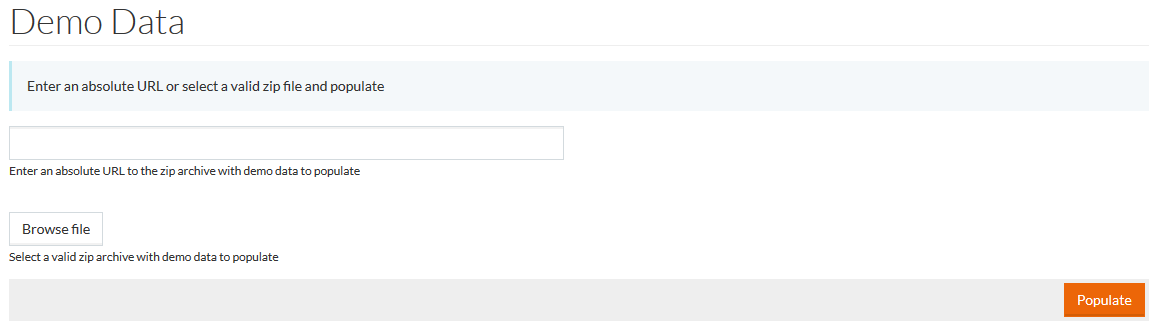
Select the zip archive with CML-files:
- by entering an absolute URL to the archive into the relevant field, or
- by clicking the Browse file button and selecting the archive from PC.
The demodata.zip archive should contain cml and/or cml-automotive folders (depending on data for a regular or automotive applications' modes) each containing relevant CML files and resources.json file. The JSON-file lists all files in the relevant folder in the order, in which they will be populated.
Click the Populate button to start the data population.
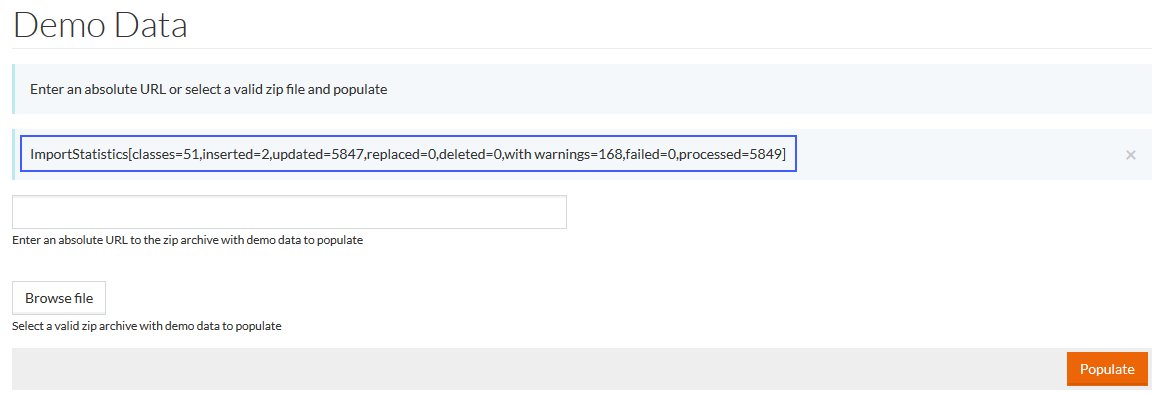
When the population is complete, a message with statistics details is displayed.