
Access
To access the Holidays Calendar, select Master Data from the main menu and then Holiday Calendar (in the Basic Data section).
Functionality
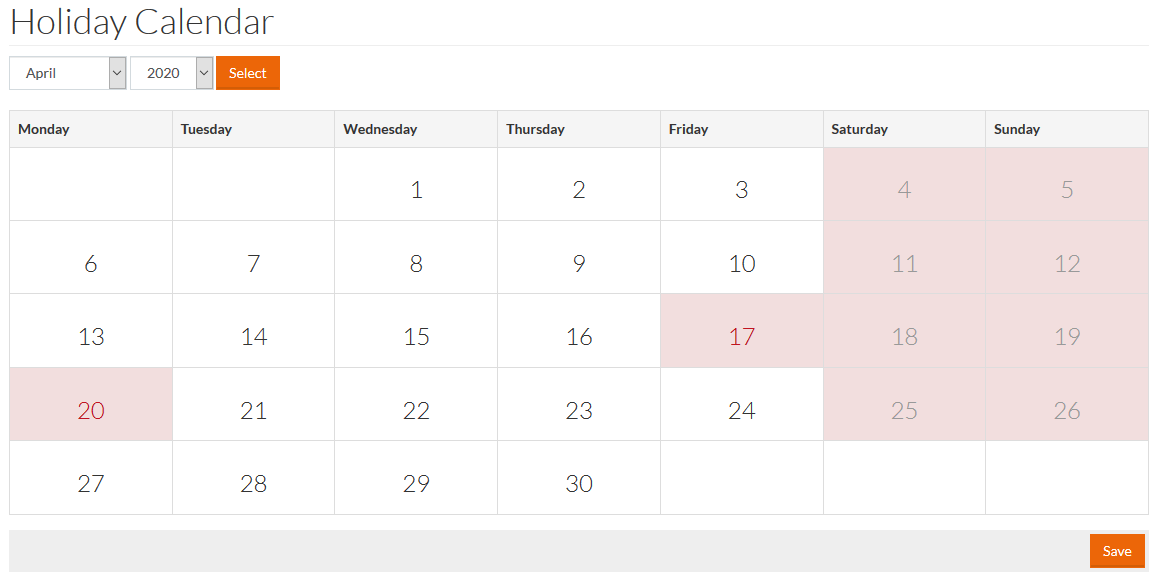
The Holiday Calendar allows marking public holidays as non-working days. Saturdays and Sundays are marked by default.
To set a specific day as a holiday:
- Select a month and a year from the respective drop-down lists and click Select
- Click a day or several days to highlight them. The highlighted days are considered holidays.
- Click Save to save the marked holidays.