
Access
Select System Administration from the user menu and then Log Settings (under the System Administration section) to view and edit Log4j Properties.
Functionality
Use this feature to edit the log4j properties files. Log4j is a log system tool to log application messages. More information on log4j can be found at - http://logging.apache.org/
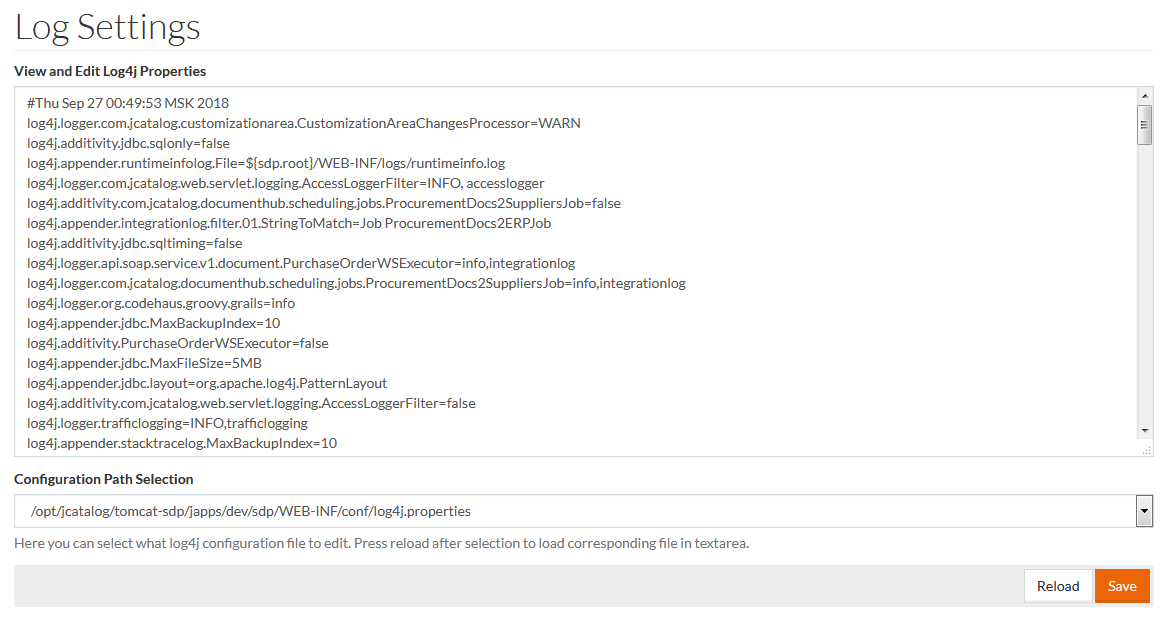
For editing purposes on the Log Settings page select the log4j configuration file from the Configuration Path Selection drop-down menu.
Once the file is selected, click Reload to load file in text area and Save to save. The saved file will be available in the Work Area.