
Access
Click Manage translatable files in Customization Area on the System Administration page to access a tool for managing translatable files.
Contents
Functionality
This page provides a tool for exporting and importing of application's translatable files from/to the Customization Area.
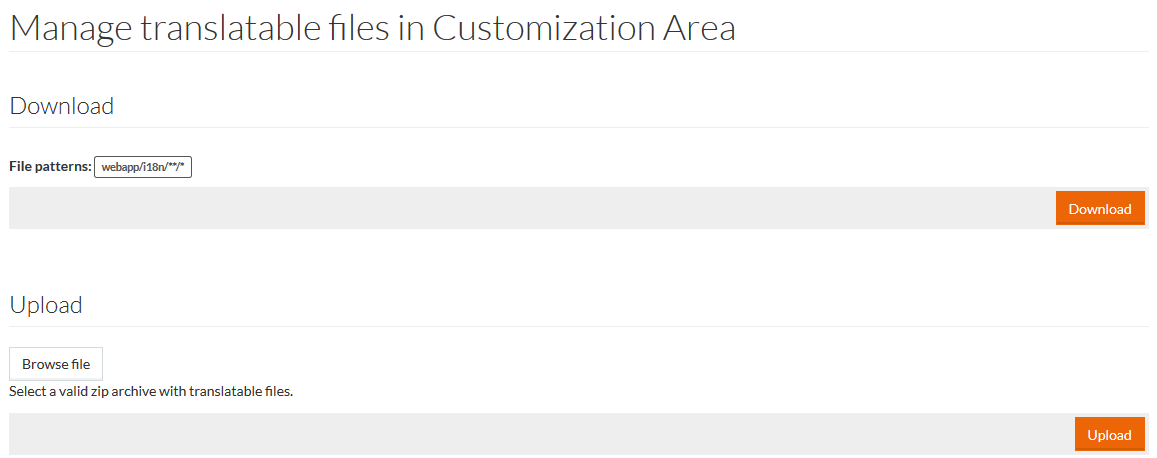
Download
Click Download on the Manage Translatable Files in Customization Area page, to download the files with translatable content according to the listed File patterns.
The files are collected in a ZIP archive, which you can open or save.
Upload
To import the translation files into the system, click Browse file in the Upload section and select the ZIP archive with translation files from your computer.
The selected file name appears by the Browse file button.
Click Upload, to upload the archive with updated translations. The imported files will be unzipped in the relevant Customization Area folder.