
Access
In the User and Master Data application, click User and Role Administration menu - > User Profile menu item to open and access the User Profile Editor.
Functionality
The User Profile is used to store information about the user. The current user (the user who has currently logged into the application) can view and edit their profile.
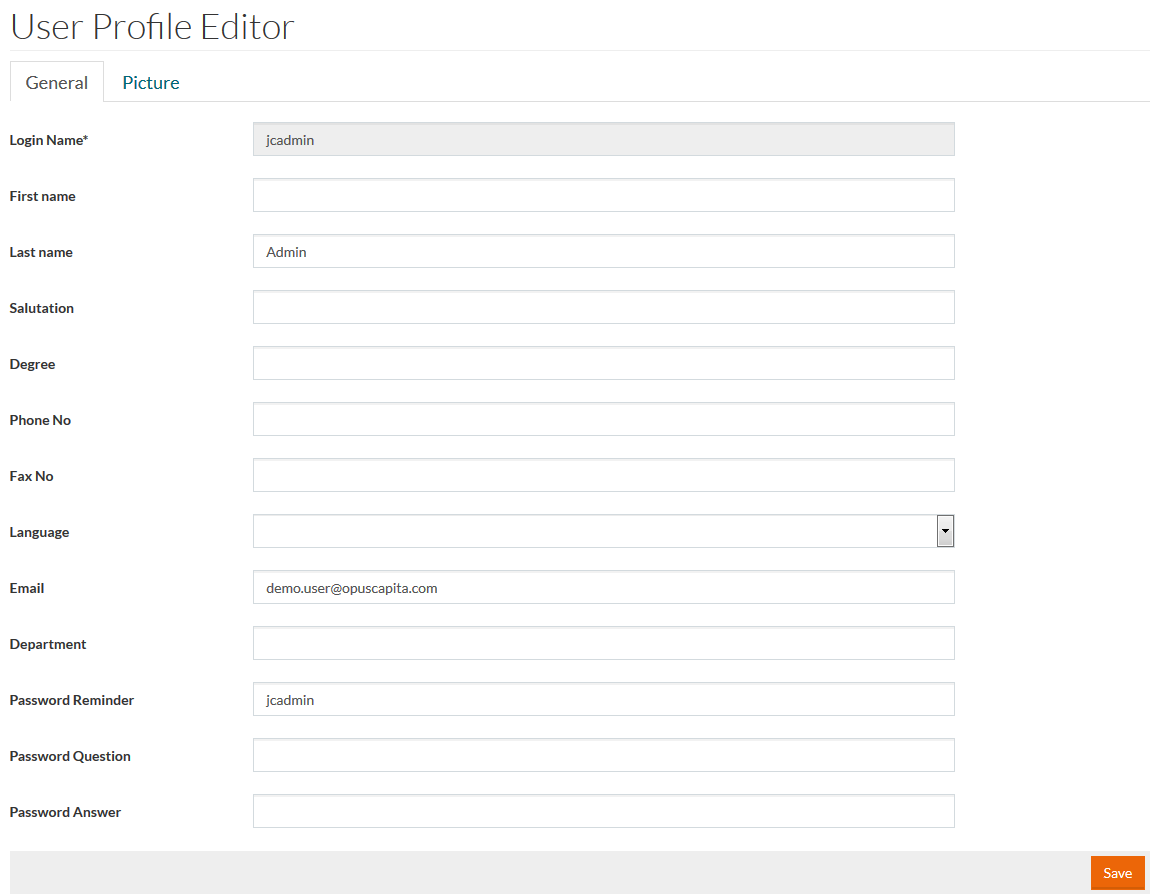
General Tab
The tab includes basic information about the user:
- Login Name, First and Last Name
- Salutation to be used in correspondence
- Degree, when it is appropriate to turn to a person referring to their degree
- Phone and Fax number
- Language to be used in email notifications and other communication
- Email
- Department
- Password Reminder, Password Question and Password Answer to be used for restoring the forgotten/lost pasword.
Add or edit user profile information, if required, and click Save to validate and save the changes.
Picture Tab
A user can upload a picture to be used as a profile picture in applications.
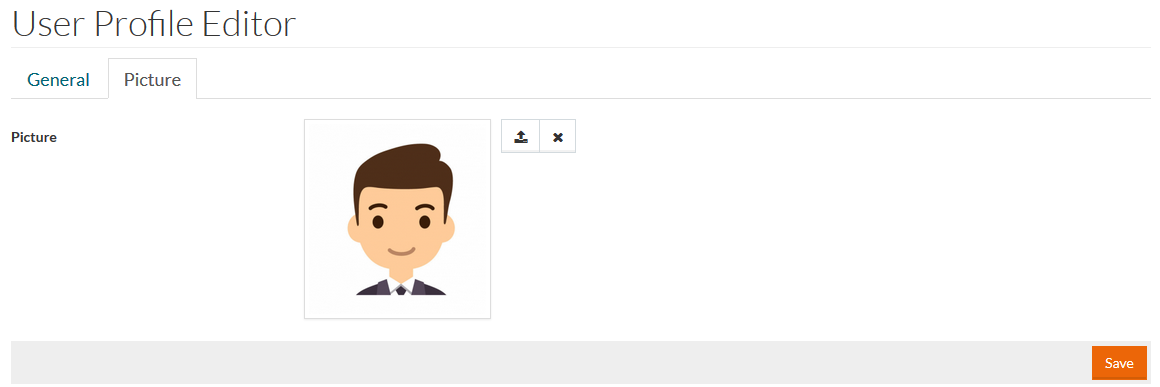
Only files in JPEG (.jpg) format can be uploaded as profile pictures.
Click
 to upload the profile picture from your PC.
Select the area of the picture to be shown as an avatar and click the Crop button.
The uploaded profile picture is stored in the Work Area in /users/<user id>/ folder.
Click Save to save the profile picture.
To remove the uploaded picture, click
 .
.