
Access
To open the Catalog Category Editor, select Master Data from the main menu and then Catalog Categories (in Catalogs section).
Overview
Catalog Categories refer to the organization of catalogs with specific qualities. For example, catalogs may be organized under various divisions such as Information Technology, Facilities etc.
See the Basic Actions page for more info on standard actions (search, sort, edit, delete etc.).
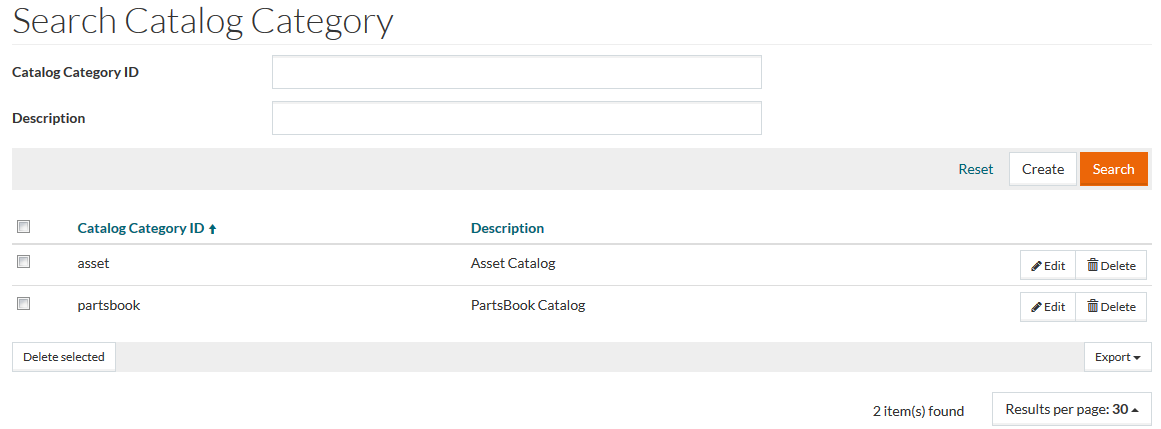
Create Catalog Category
To add or create a new catalog category, click the Create button to open the Editor - enter details for the Catalog Category ID field, which is mandatory, and, if required, the Description.

Click Save to save the catalog categorie, Save and New to save the entry and create a new one or Cancel to discard changes.