
Access
To manage the Classification Group Mapping Items, select Master Data from the main menu and then Classification Group Mapping Items (in Value Mappings section).
Contents
Functionality
Classification group mapping items refer to different representations that are mapped to each other depending on the context in which it is used.
Classification group mapping items are used in the Classification Mapping steps of Standard Workflow with the provision to edit/create them directly in SSM. See Process Catalog in SSM for more details.
See the Basic Actions page for more info on standard actions (search, sort, edit, delete, etc.).
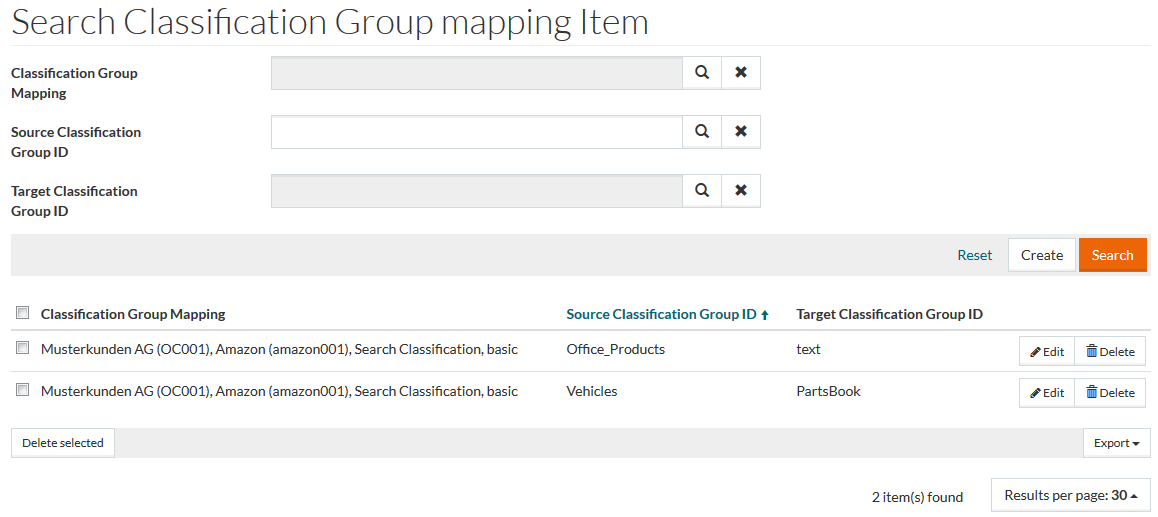
Create Classification Group Mapping Item
Click Create to open the editor to create a new Classification Group mapping Item.
Enter details for
Source Classification Group ID, and select
Classification Group Mapping and
Target Classification Group using the search icon. Click
 to delete the chosen option.
Click Save to save the new item, Save and New to save the new item and proceed to creating another item or Cancel to cancel the operation and return to the search page.