
Access
To manage Contacts, select Master Data from the main menu and then Contacts (in Customer/Supplier section).
Contents
Functionality
Contacts editor is designed to manage various contact information.
Contacts are created to store the information about the contact persons of suppliers and their areas of responsibility, to be able to contact them. Contacts can be assigned to suppliers on the Contacts tab of Supplier editor.
See the Basic Actions page for more info on standard actions (search, sort, edit, delete etc.).
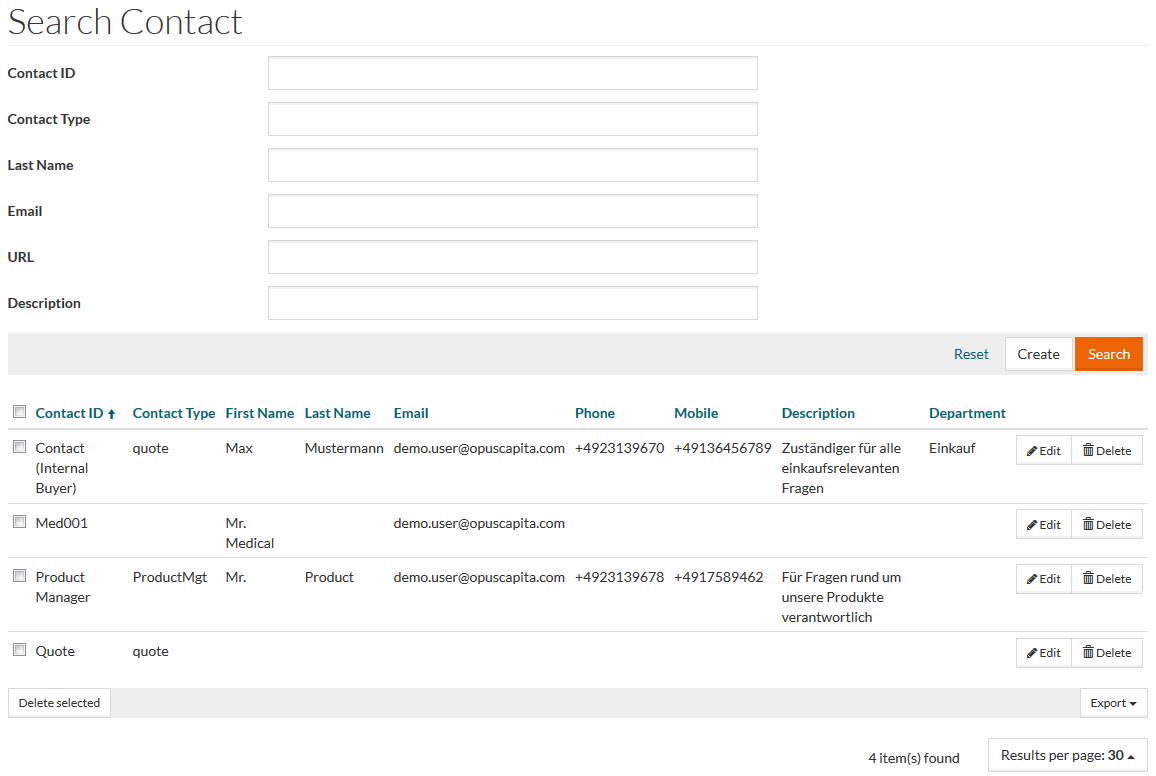
Create Contact
Click the Create button to add a new Contact. This opens the Contact Editor.
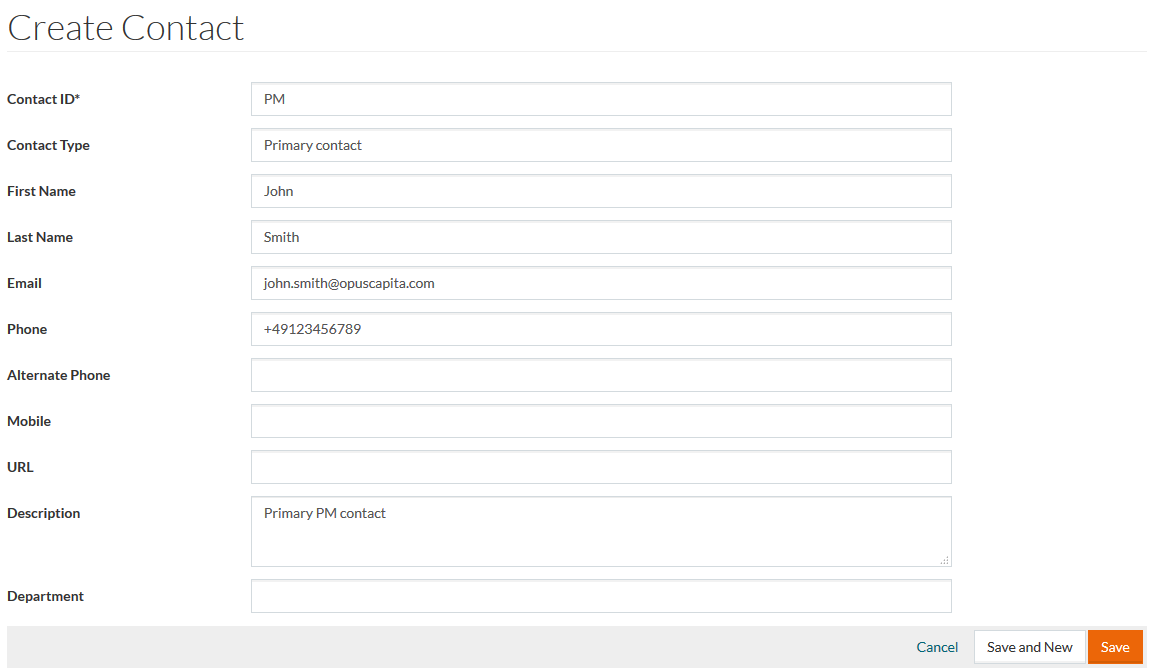
Fill in the relevant details and click Save to save a contact after editing, Save and New to proceed with creating a new contact and Cancel to return to the search page.