
Access
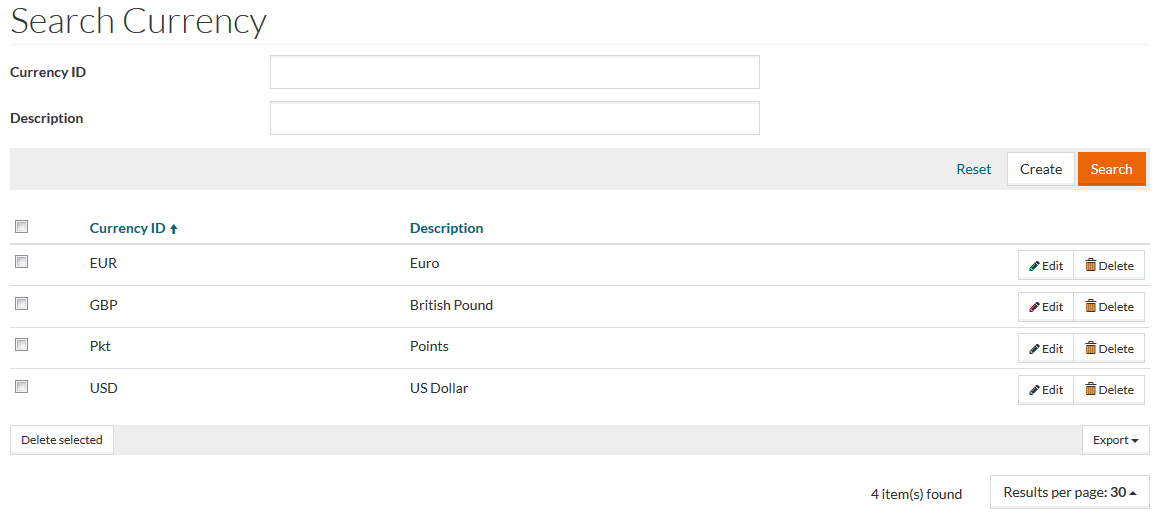
To access the Currency Editor, select Master Data from the main menu and then Currencies (in the Basic Data section).
Functionality
Supplier/Vendors work with multiple Currencies. The ability to handle catalog pricing in multiple currencies is another major feature of the application. If no Currencies are stored here, product prices cannot be entered, as every price needs a currency.
See the Basic Actions page for more info on standard actions (search, sort, edit, delete etc.).
Create Currency
Click the Create button to open the Currency Editor to create/add a new Currency.

Enter details for the mandatory Currency ID field and if required fill in Description.
Currency ID cannot exceed 3 characters.
Click Save to save. Click Save and New to save the changes and proceed creating a new currency. Click Cancel to cancel the creation.