
Access
To access the Customer Group Editor, select Master Data from the main menu and then Customer Groups (in the Customer/Supplier section).
Overview
It is possible to create Groups (which are called Customer Groups) to categorize customers. The Customer Groups functionality enables users to assign or restrict access to catalogs/contracts based on which group a customer belongs to, such as Retail Customers, Wholesale Customers, etc. All terms and regulations, e.g. price agreements in contracts which are valid for the Customer Group are valid for every customer within the group equally.
See the Basic Actions page for more info on standard actions (search, sort, edit, delete etc.).
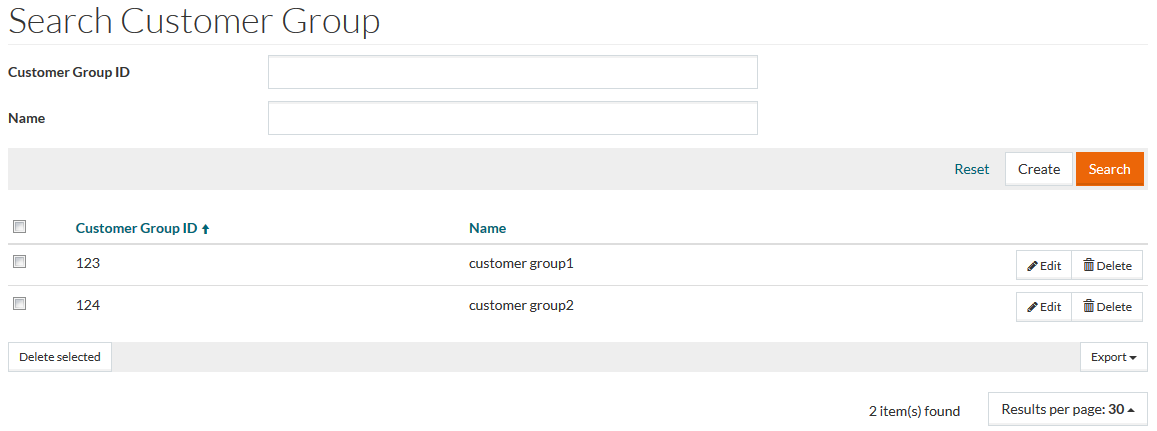
Create Customer Groups
Click the Create button on the customer group search page to open the Customer Group editor and create a new customer group.

Enter a unique Customer Group ID which is mandatory and the Customer Group Name.
Customer Group ID may include up to 30 symbols.
Click Save to save the new customer group, Save and New to save the changes and proceed to creating a new one and Cancel to return to the search page.