Access
To access Search Entitlement Type page, select Master Data from the main menu and then Entitlement Types (in the Basic Data section).
Contents
Overview
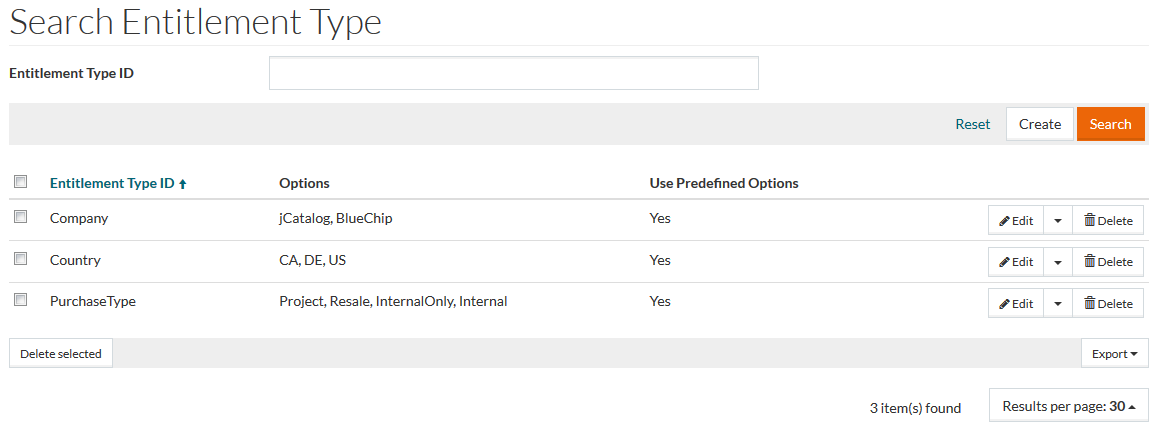
The Entitlement Types can be used to manage value options used for Entitlements:
- Company
- Country
- Purchase Type
See the Basic Actions page for more info on standard actions (search, sort, edit, delete etc.).
Create Entitlement Type
To add an Entitlement Type entry, click the Create button in the search results table. This opens the Entitlement Type Editor under the General Tab.
General Tab
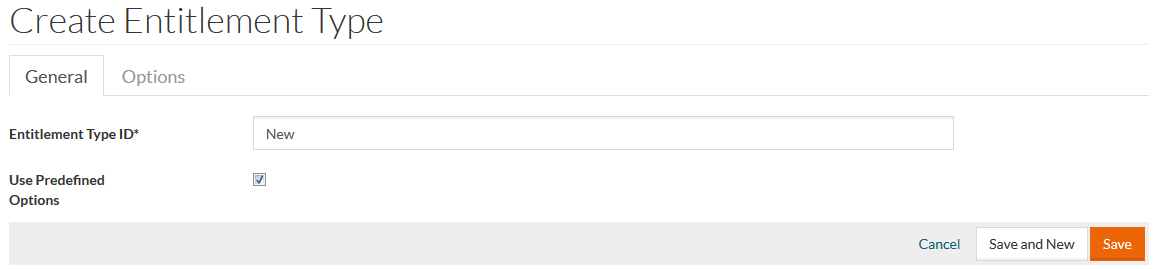
Enter the Entitlement Type ID and check the Use predefined options check box to make values entered on the Options Tab available in the Entitlement Editor. Uncheck it to allow the input of any data to the selected filed.
Click Save to save the list, Save and New to save the entry and create a new one, Cancel to discard changes.
Options Tab
You can manage the predefined values for the selected field on the Options Tab.
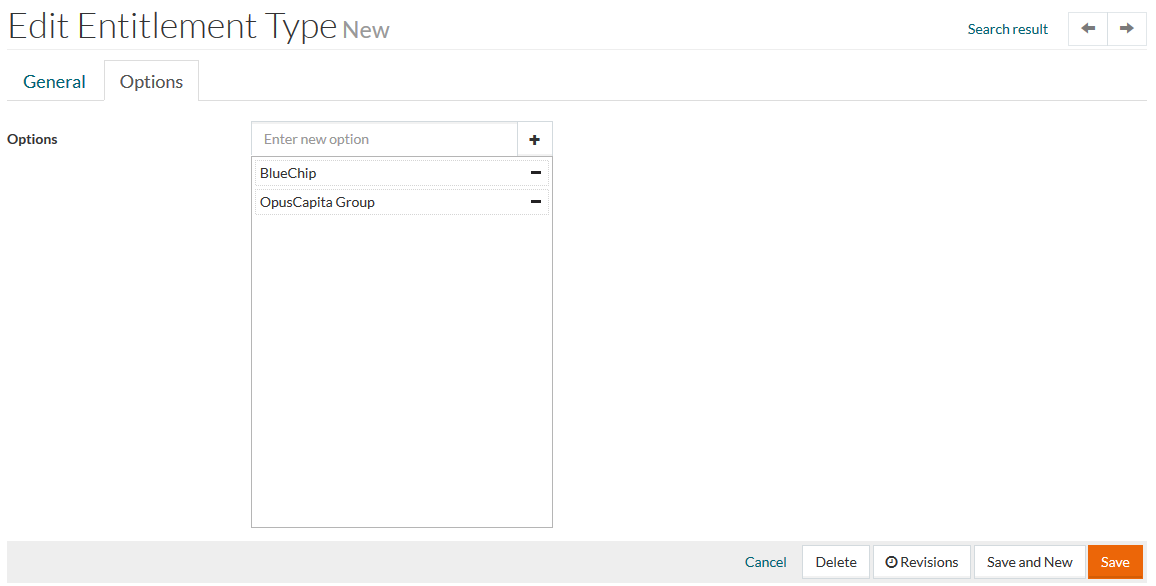
Click
 to add a new value option and
 to delete selected entry.
Make the necessary changes and click Save to save the entry; Save and New to save this and create a new entry. Click Cancel to cancel. Use the Search Results link in the upper-left corner of the page to return to the Entitlement Type search page.
Revisions
It is possible to track changes in the entitlement types. Click the
Revisions option under
 to get the list of revisions.
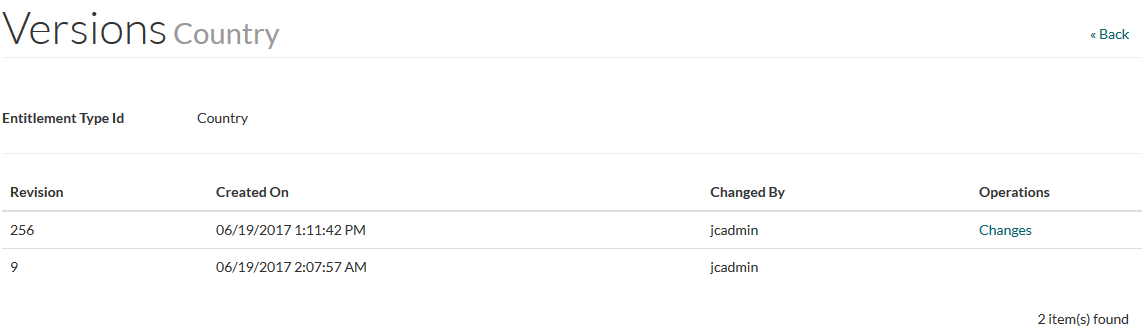
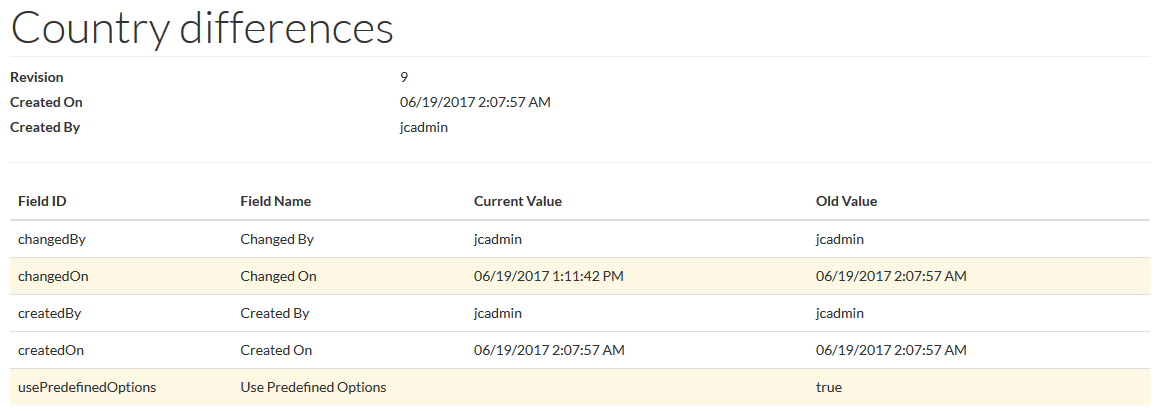
Click Changes link under Operations column to open Differences page, where all changes will be highlighted. Close the window and click the Back link on the Versions page to go back to the Entitlement Type Editor.