
Access
To access Search Price Type page, select Master Data from the main menu and then Price Types (in the Basic Data section).
Overview
Price type editor allows you to add new price types and manage them.
See the Basic Actions page for more info on standard actions (search, sort, edit, delete etc.).
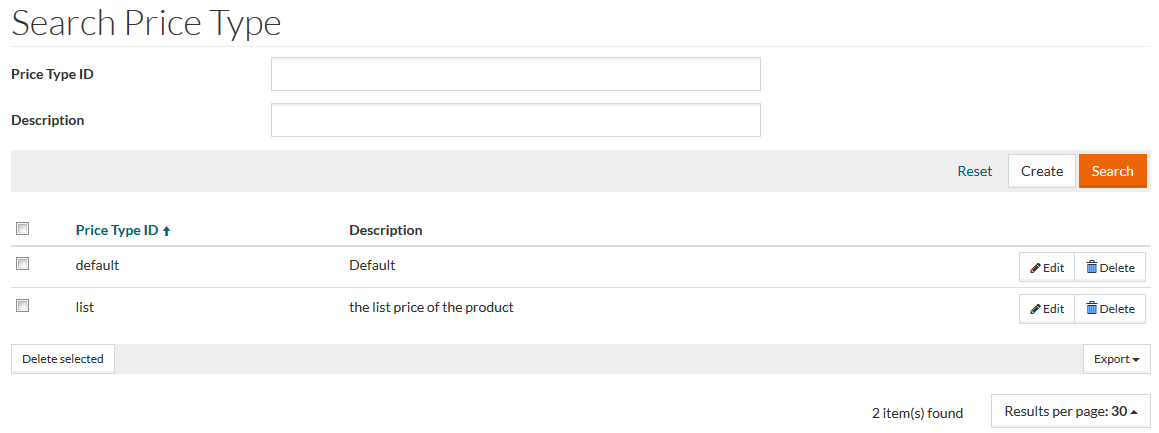
Create Price Types
To add a new price type click the Create button. The price type editor will be opened:
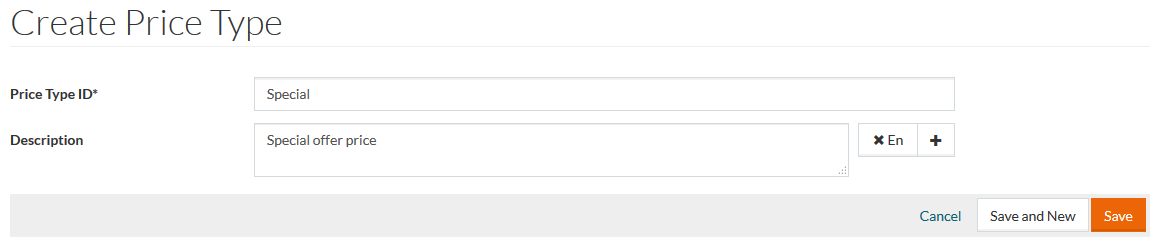
Enter Price Type ID (required) and Description, if necessary.
Price Type ID cannot exceed 8 characters.
Click the
 icon to add description in several languages. Select the desired language from the drop-down list. Use the
 icon to delete an entry. After adding all the information, click
Save to save,
Save and New to save the changes and proceed creating a new type. Click
Cancel to discard changes.
icon to delete an entry. After adding all the information, click
Save to save,
Save and New to save the changes and proceed creating a new type. Click
Cancel to discard changes.