
Access
To open the Search Sourcing Rule page, select Master Data from the main menu and then Sourcing Rules (in the Customer/Supplier section).
Overview
Sourcing Rule is a feature that allows to set up the rank of Supplier for a Customer. Suppliers can have different ranks for different Customers. These ranks are set up manually.
Sourcing Rule is set up for a pair: Customer and Supplier.
See the Basic Actions page for more info on standard actions (search, sort, edit, delete etc.).
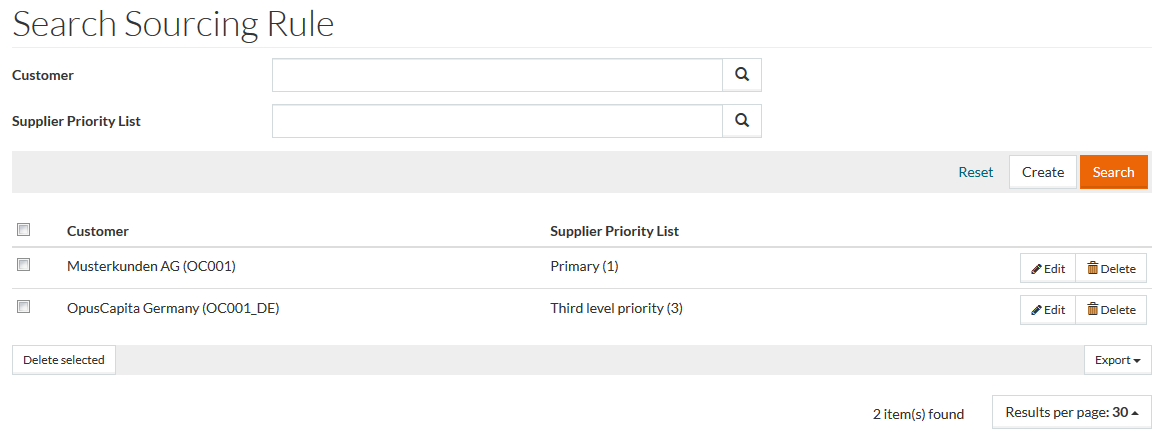
Search displays all existing Sourcing Rules in the results list if search parameters are blank. Click Reset to clear and reset search parameters.
Create Sourcing Rules
To create or add a Sourcing Rule, click the Create button to open the Sourcing Rule Editor.

Enter Customer and Supplier Priority List (see Supplier Priority List for more info) and click Save to save, Save and New to save the entry and create a new one, or Cancel to discard changes.