
Access
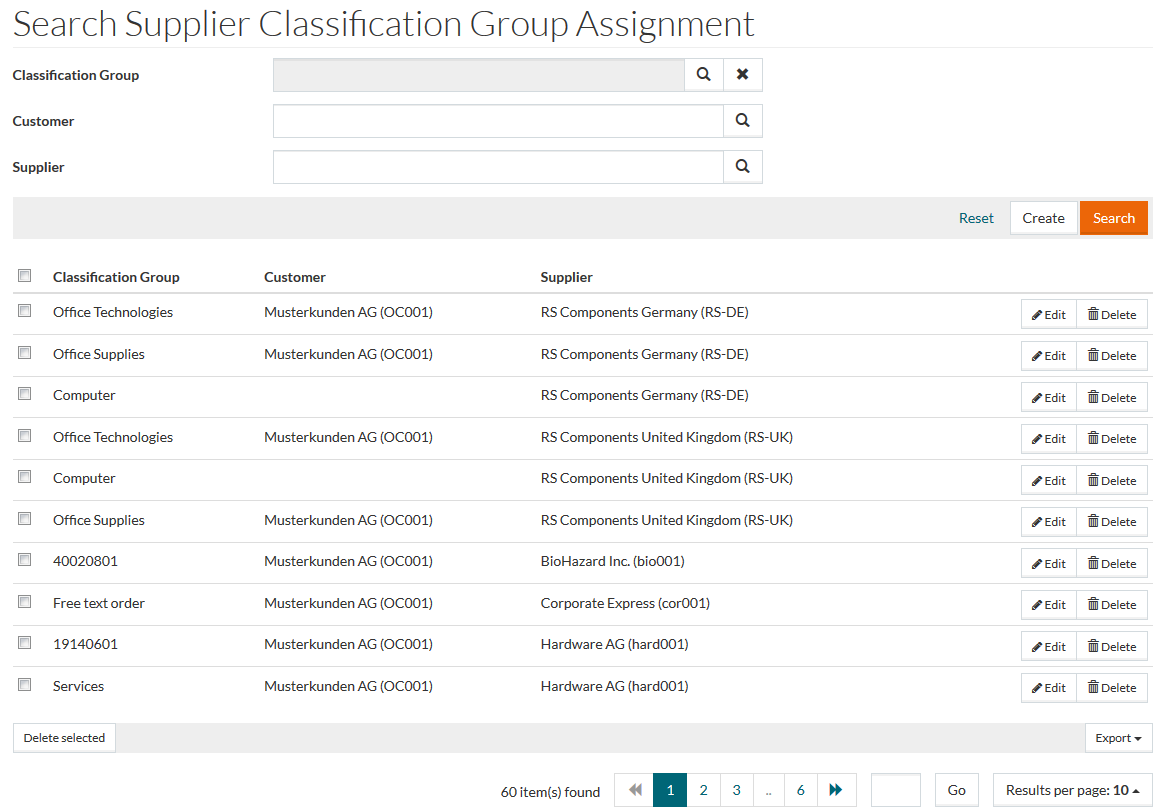
To access Search Supplier Classification Group Assignment page, select Master Data from the main menu and then Supplier Classification Group Assignment (in the Customer/Supplier section).
Overview
The Classification Assignment refers to assignment of Suppliers to Classification Groups. The editor allows to search for such assignments, create and edit them.
See the Basic Actions page for more info on standard actions (search, sort, edit, delete etc.).
Create Classification Assignment
To add or create a new assignment, click the Create button to open the Editor - enter details for the Classification Group, Supplier (these fields are mandatory) and Customer (if required).
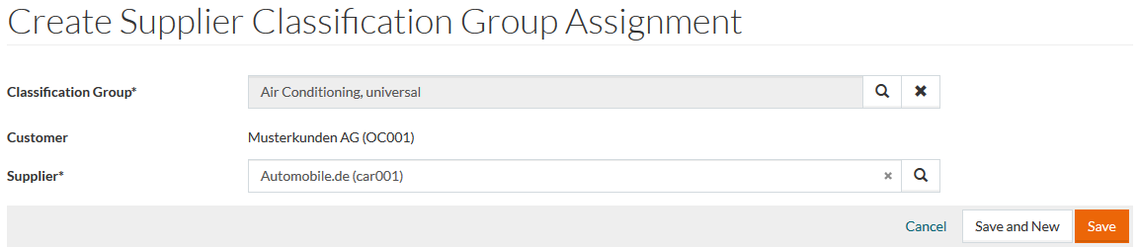
Click Save to save a new entry, Save and New to save current entry and proceed to creation of another, or Cancel to cancel and return to the search page.