
Access
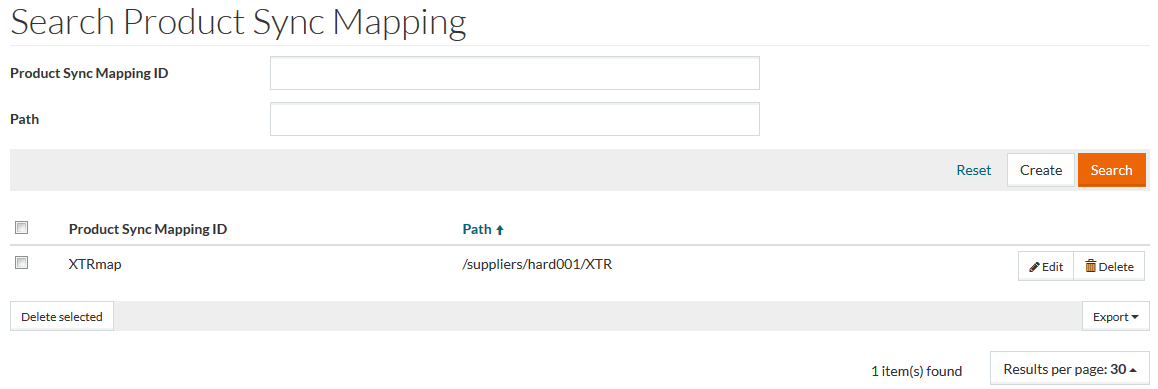
To access the Synchronization Mapping Editor, select Master Data from the main menu and then Synchronization Mappings (in Synchronization section).
Contents
Functionality
Use Synchronization Mapping editor to set a path to sync-mapping.groovy script which contains logic for synchronization.
See the Basic Actions page for more info on standard actions (search, sort, edit, delete etc.).
Create Synchronization Mapping
Click Create to add a new Product Sync Mapping.
Both Product Sync Mapping ID and Path fields are mandatory.
After entering the relevant details, click Save to save a Product Sync Mapping, Save and New for a new Product Sync Mapping or Cancel to return to the search page.