
Access
To open the Search Terms of Payment page, select Master Data from the main menu and then Terms of Payment (in the Terms of Business section).
Overview
This function describes proportions of payments that have been previously agreed upon by all parties involved. Payment can be made in the form of funds, assets or services. Terms of payment are used in Contracts.
See the Basic Actions page for more info on standard actions (search, sort, edit, delete etc.).
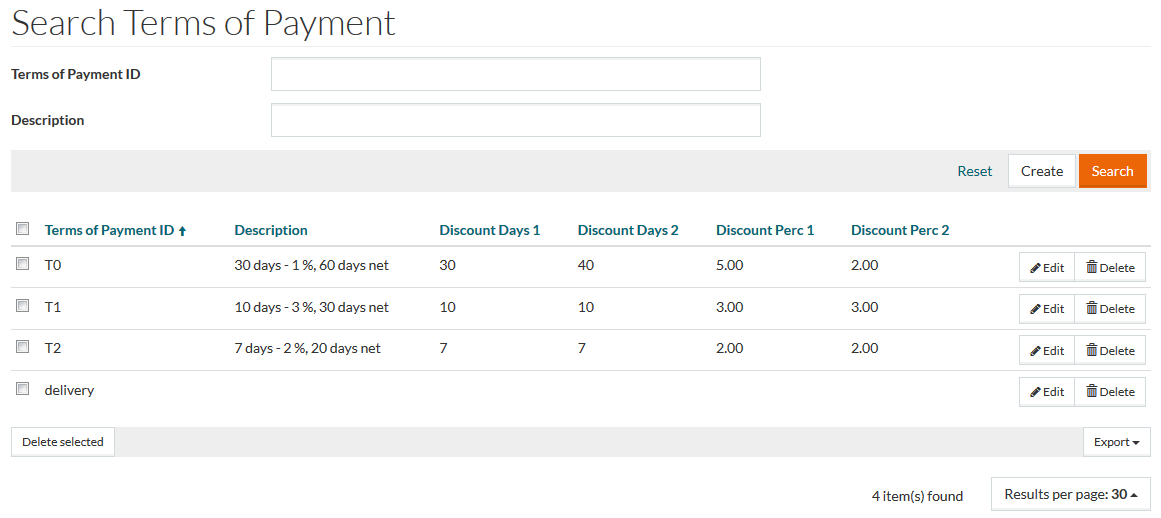
Create Terms of Payments
Use the Create button to create/add new term of payment.
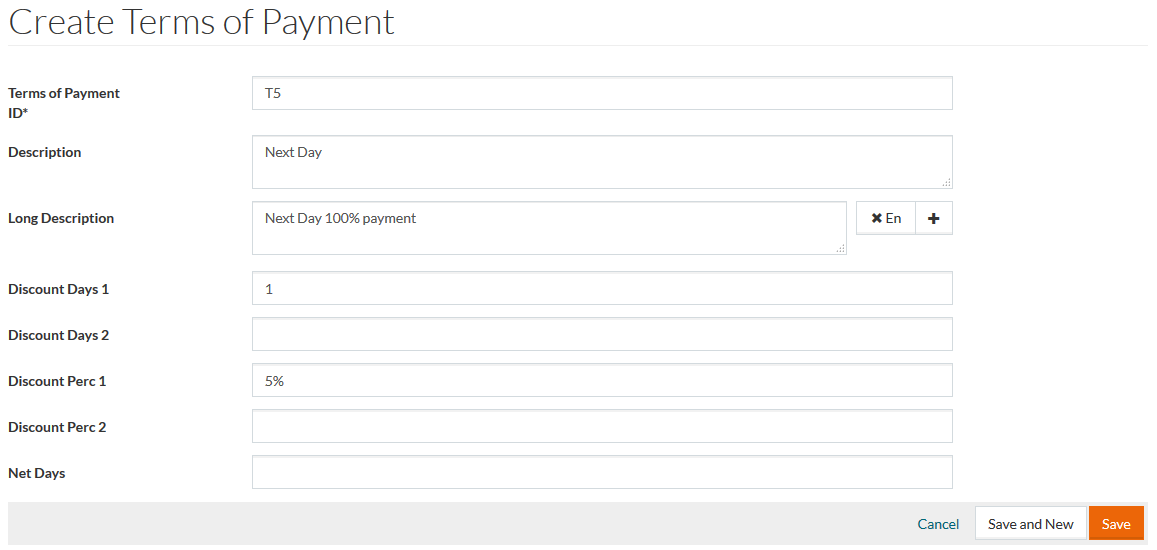
Enter individual payment term in the mandatory Terms of Payment ID field. An informative description can be provided in the Description field - e.g. "5 days - 2 %, 5 days net" and Long Description (can be multi-linguage). Enter Discount Days 1, Discount Days 2, Discount Percentage 1, Discount Percentage 2 and Net Days if required.
Click Save to save the term of payment. Click Save and New to save the changes and proceed to creating a new one. Click Cancel to cancel.