Access
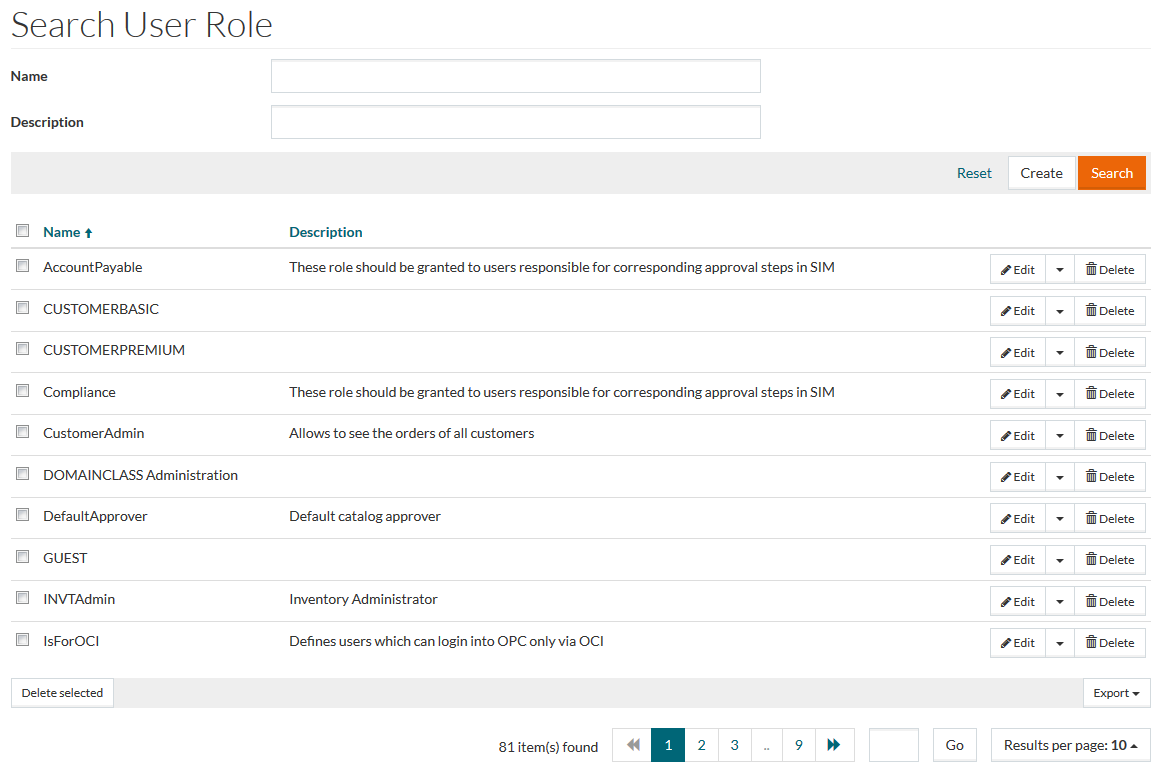
To open and access the User Roles search page, in the User and Master Data, click User and Role Administration menu -> User Roles menu item.
Contents
Overview
User Roles allow users to create roles with a specific set of rights and permissions. The rights and permissions for User Roles are created in Permission Editor screen. Once a User Role is created, it can be assigned to individual users. A user can have several roles assigned, which control the user’s access and functional range within the application.
The User Roles menu makes it possible to create a new User Role, edit, delete, and search User Roles. See the Basic Actions page for more info on standard actions (search, sort, edit, delete etc.).
Create User Role
To create/add a User Role, click the Create button to open the User Role Editor. On this page, enter User Role Name and if needed the Description.

After entering the data, click Save to save the new User Role or Cancel to cancel and return to the search page.
Revisions
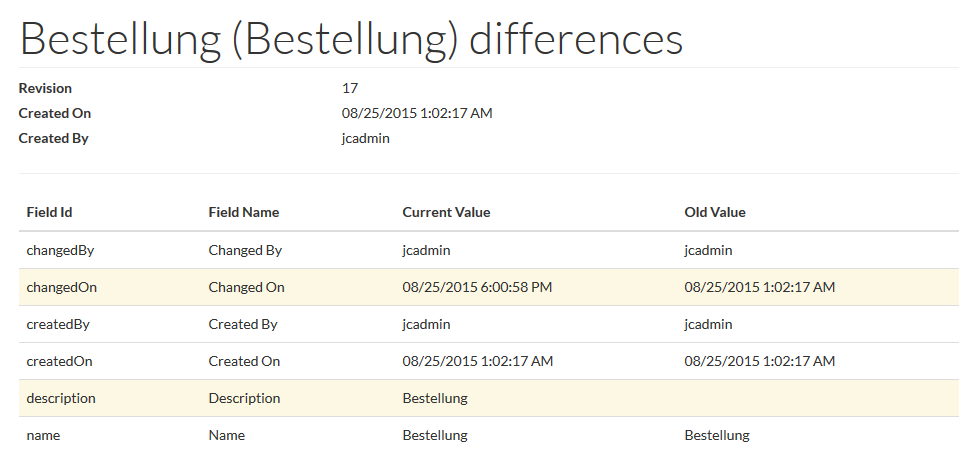
To get the list of User Roles revisions select the Revisions option from the drop-down menu on the Search Result Page or click the Revisions button on the Edit User Role page.
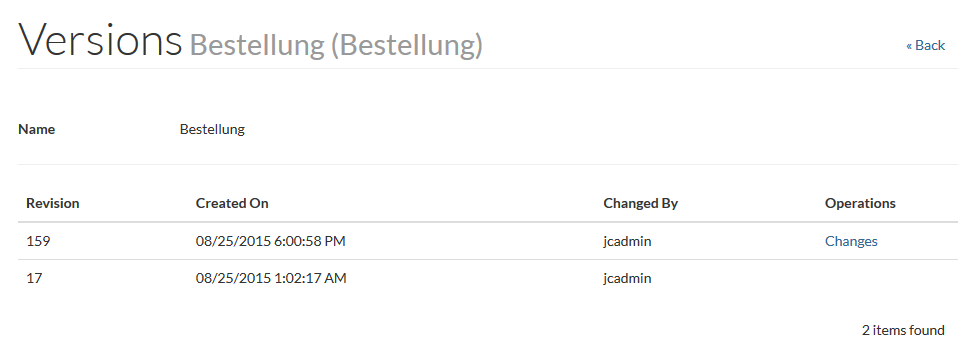
Click the Changes link to see the Revision details: